
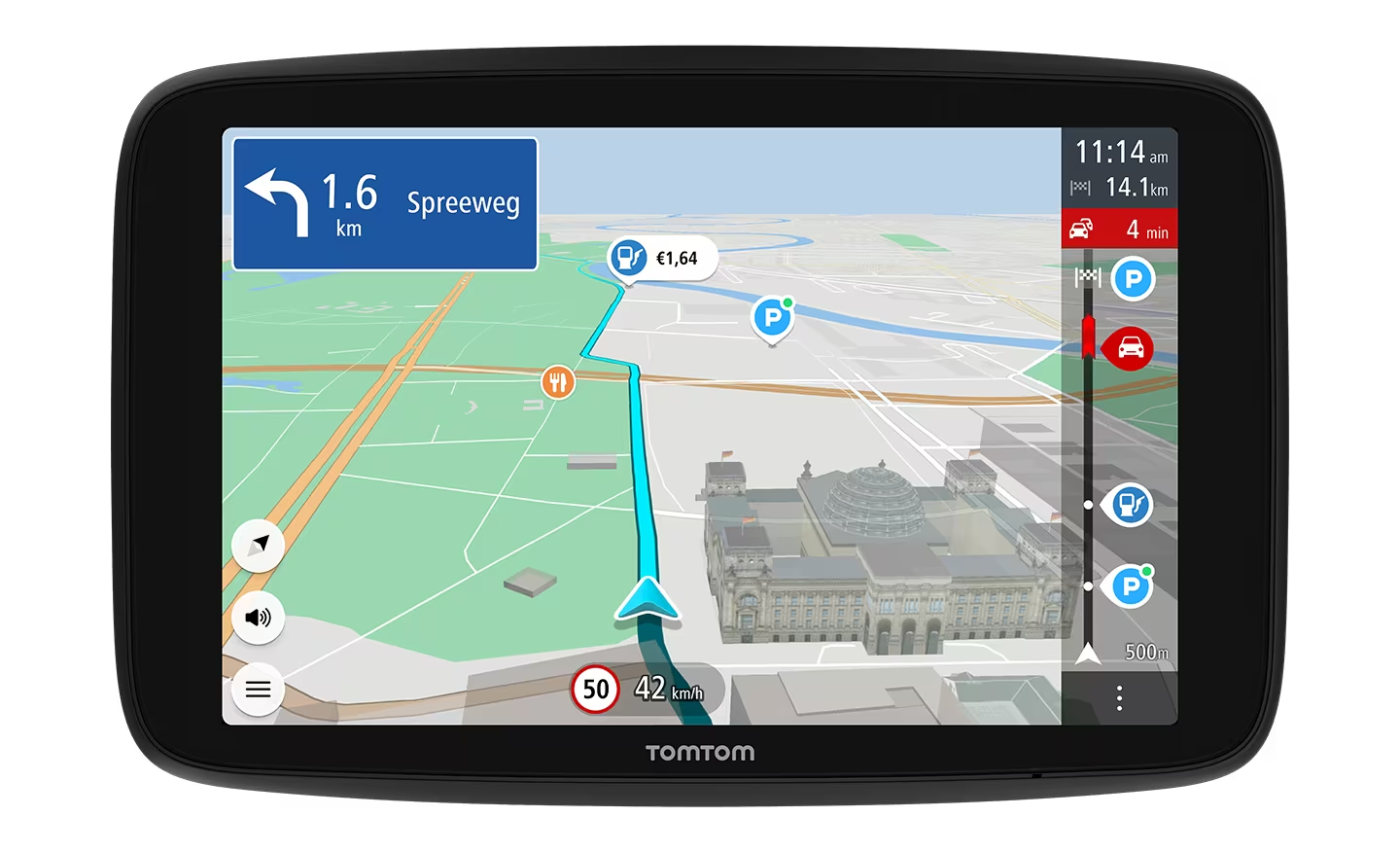
Modern life has struck once again with a problem with my Tomtom sat nav which has caused me to waste many hours of what is left of my fast dwindling life, I do not have the time for this nonsense.
I know I’m a bit of a Luddite but this is not my first Tomtom and prior to this should I wish to add a feature or change something on the device I would open the mydrive connect thingy on the computer and connect the device with the lead and hey presto the computer would recognise it and allow me to do whatever was wanted.
Now, mydrive connect will not open, and having deleted it and uploaded it again it still stubbornly refuses to completely load nor open and when I seem to be getting somewhere when I connect the device it asks me to connect to my phone by my bluetooth personal hot spot which has me wondering, why when it used to work with the wire connection would it now want to connect to bluetooth? Answers on a postcard to Robert Robinson, BBC Points of View!
So having contacted Tomtom who doesn’t have a telephone help line and made an effort to communicate with a robot by following the various options suggested to me I have finally given up and gone for the option of sending an email but as it appears they only staff the help centre from 10.00 to 4.00 Monday to Friday this will not be much use to me on my journey tomorrow to Devon.
The following is my communication with what I assume to be the Tomtom robot.
My Tomtom mydrive connect on my computer seems to have stopped working, I have tried to uninstall and install again but it still won’t work. I used to just plug the device in and it would recognise it and let me update and add features but nothing seems to be working and talking to a machine for answers is about as much use as a chocolate fireguard. Much more of this nonsense and I will smash the machine and never buy another of your products ever again. It’s very sad that you can sell a product with such useless back up. Kind regards, Joe Wells.
I know quite a few people, mainly somewhat younger than myself who use their telephone for navigation by using Google maps and I have been greatly impressed by its capabilities especially accuracy and lane discipline advice when driving and am tempted to do likewise.
However, there is a slight catch 22 situation, in that I have an iphone 14 (I think) which is extremely good and not too bulky for my pocket whilst my Tomtom sat nav has a much larger screen and is therefore easier to glance at when driving but the advantage of the iphone is it will do what I want.
Should I not get the Tomtom working as I want, my decision to swop to using the iphone will be that much easier to make as when I have taken a hammer to the offending Tomtom I suspect there will be very little to see on the screen at all.
And breathe…………………




 The Diary of a Country Bumpkin
I hear “they” have developed this useful device called a map which is available in a usefully folded version!
Yes, they were useful, I remember consulting one many years ago and writing the route directions on a piece of paper and taping it to the dashboard to follow, I suppose when you think about it, that’s where they got the idea for the sat nav!
I would use the iPhone at least it can talk to you and give instructions. Other than that, perhaps you could print out a google Map and hand it to the wife to read out the instructions when and where appropriate.
We will use the phone if we have to but I was trying to add the traffic thing which alerts you to traffic jams on the route, or road flooded warnings! Surprisingly when we came home last year coming out of Torquay the road was flooded, I like to plan for every eventuality that’s why I like forties trousers where you wear a belt and braces!
My car has the Sat Nav built in. I used to have the Tom Tom, you have reminded me about how good it was in issuing those warnings.
I do not have a built in Navigation thing in my car. Never have. I use Waze or Google Maps. Both of them work just fine on my phone. Regards, Les.
I like Google maps but my phone is not that large to see when driving.